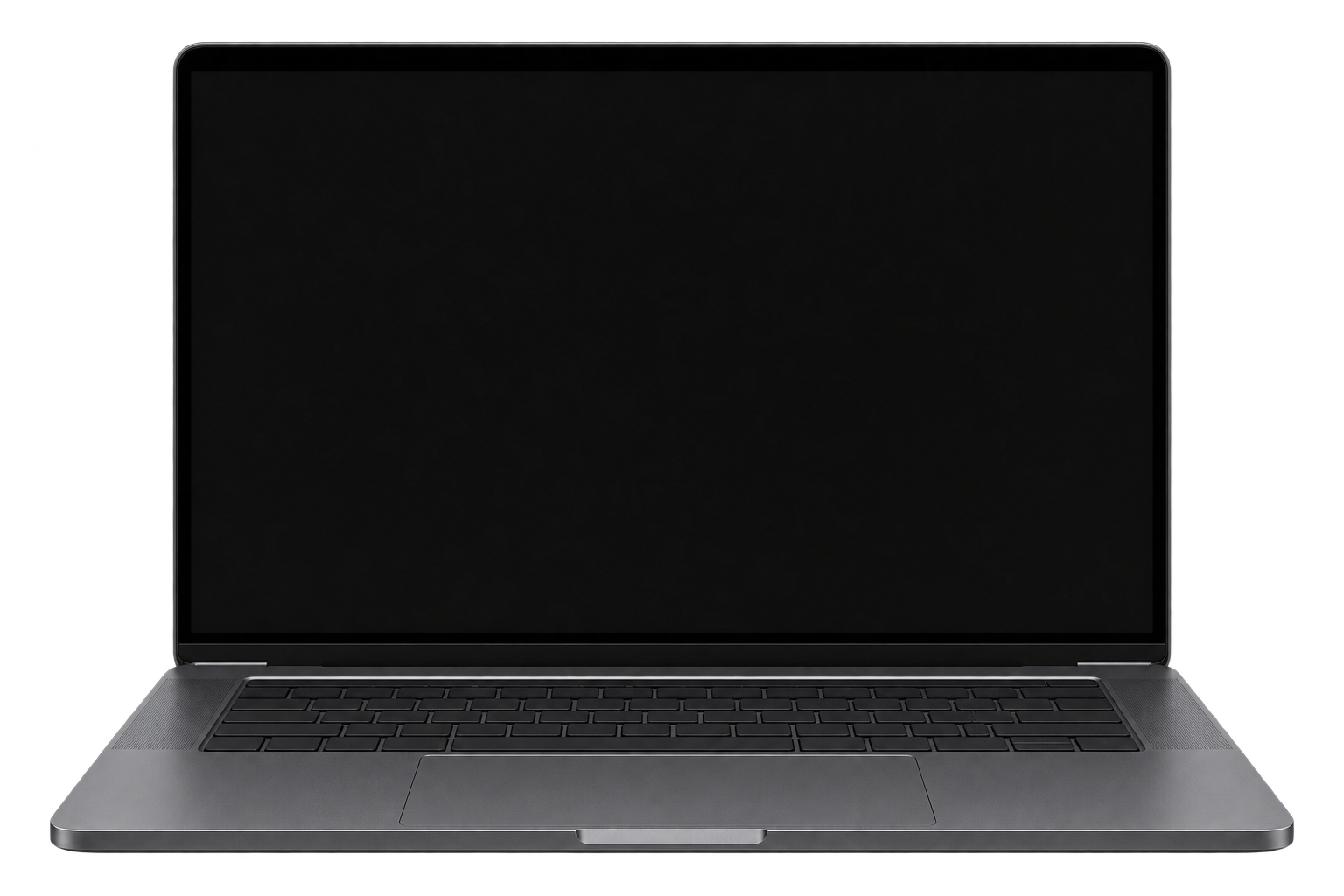
Web app
Access your DYNX24 financial workspace in a modern browser, with no installation required.
Open web appNo download required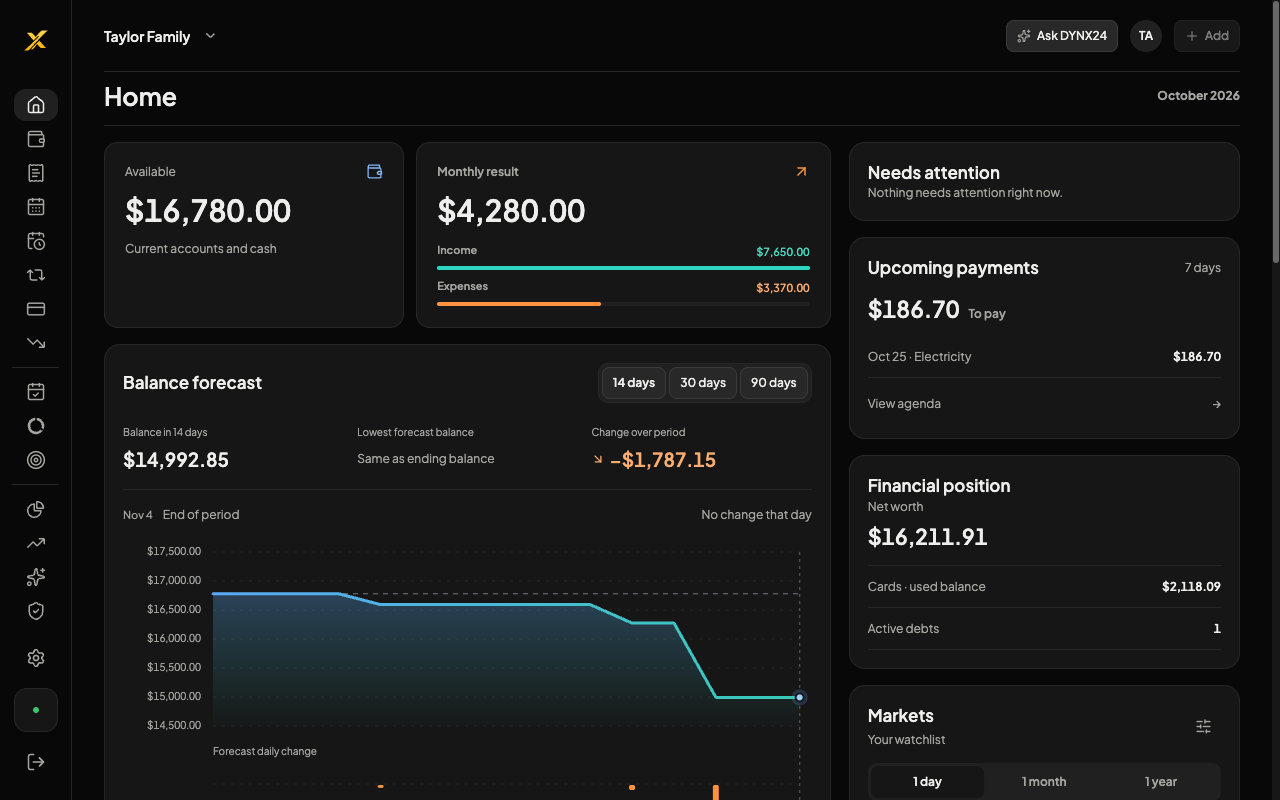
Open DYNX24 now in your browser. Native apps for iPhone, iPad, and Android are being prepared for official release.
Access your DYNX24 financial workspace in a modern browser, with no installation required.
Open web appNo download requiredA focused mobile experience for daily review, entries, bills, and shared planning.
Official links will appear after distribution accounts, release builds, and store review are complete.The same DYNX24 identity and financial logic, adapted to Android devices.
Official links will appear after distribution accounts, release builds, and store review are complete.Use the web experience today. When native distribution is available, sign in with the same protected account on iOS and Android.
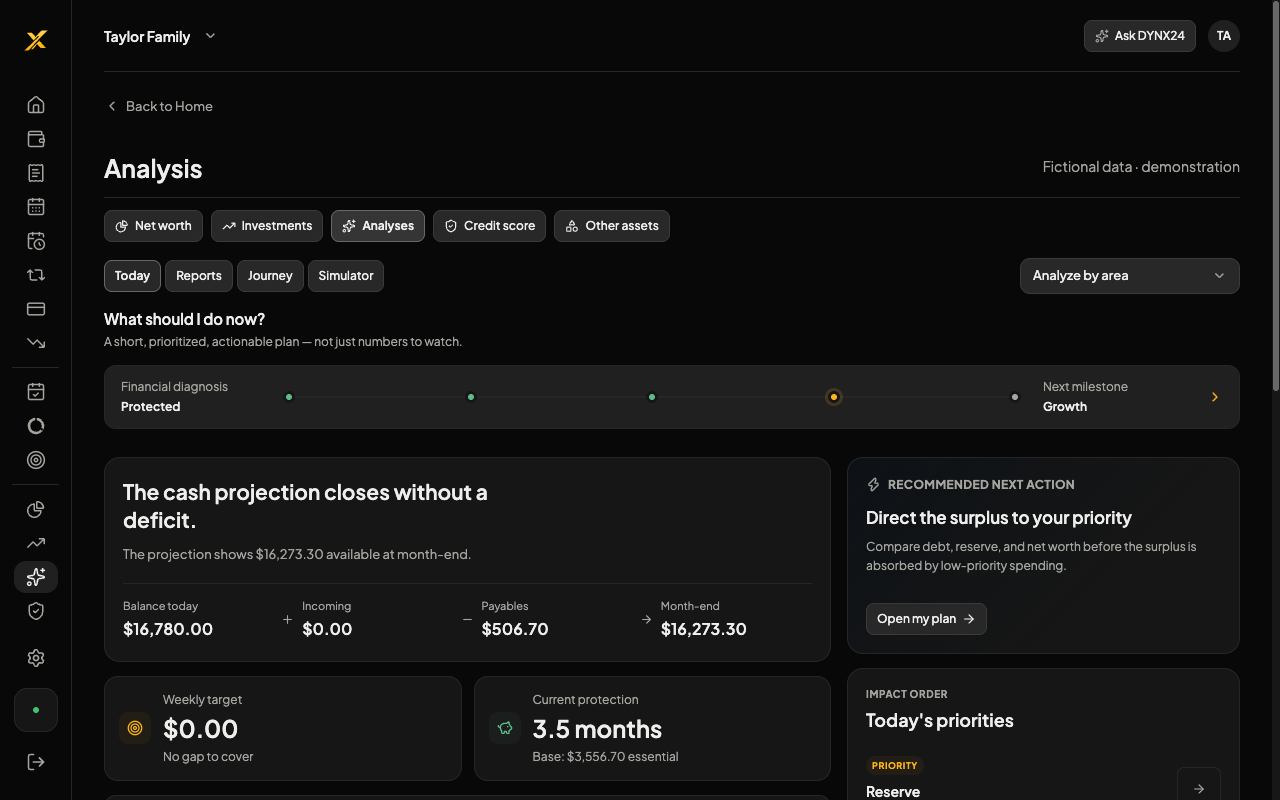
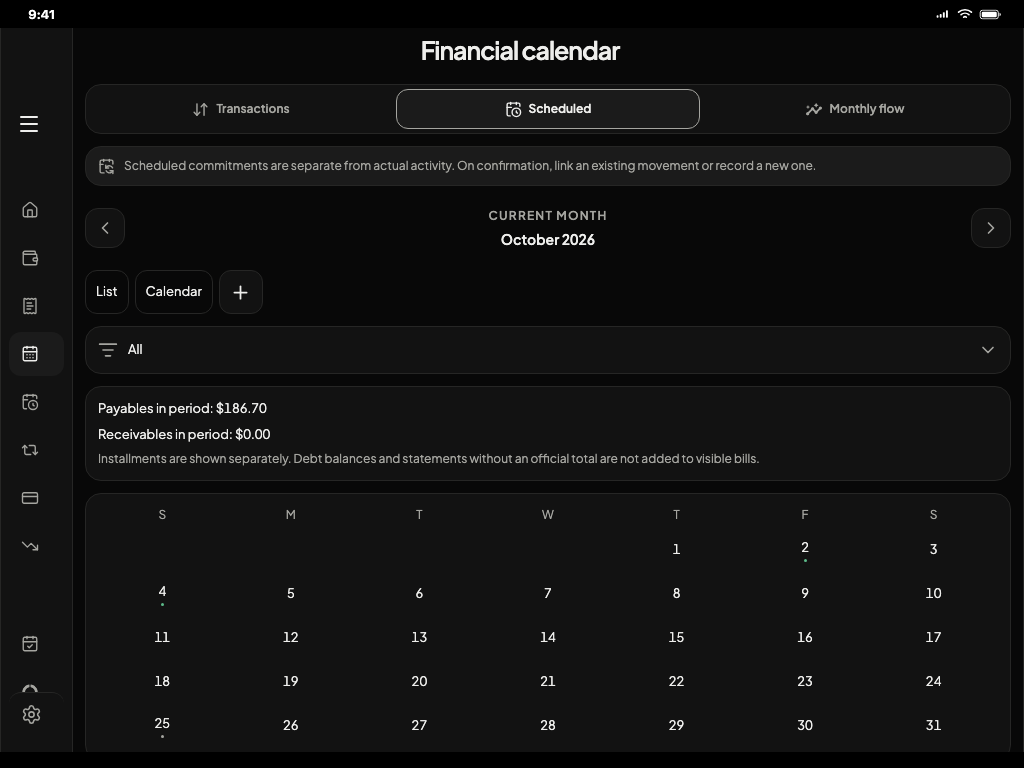
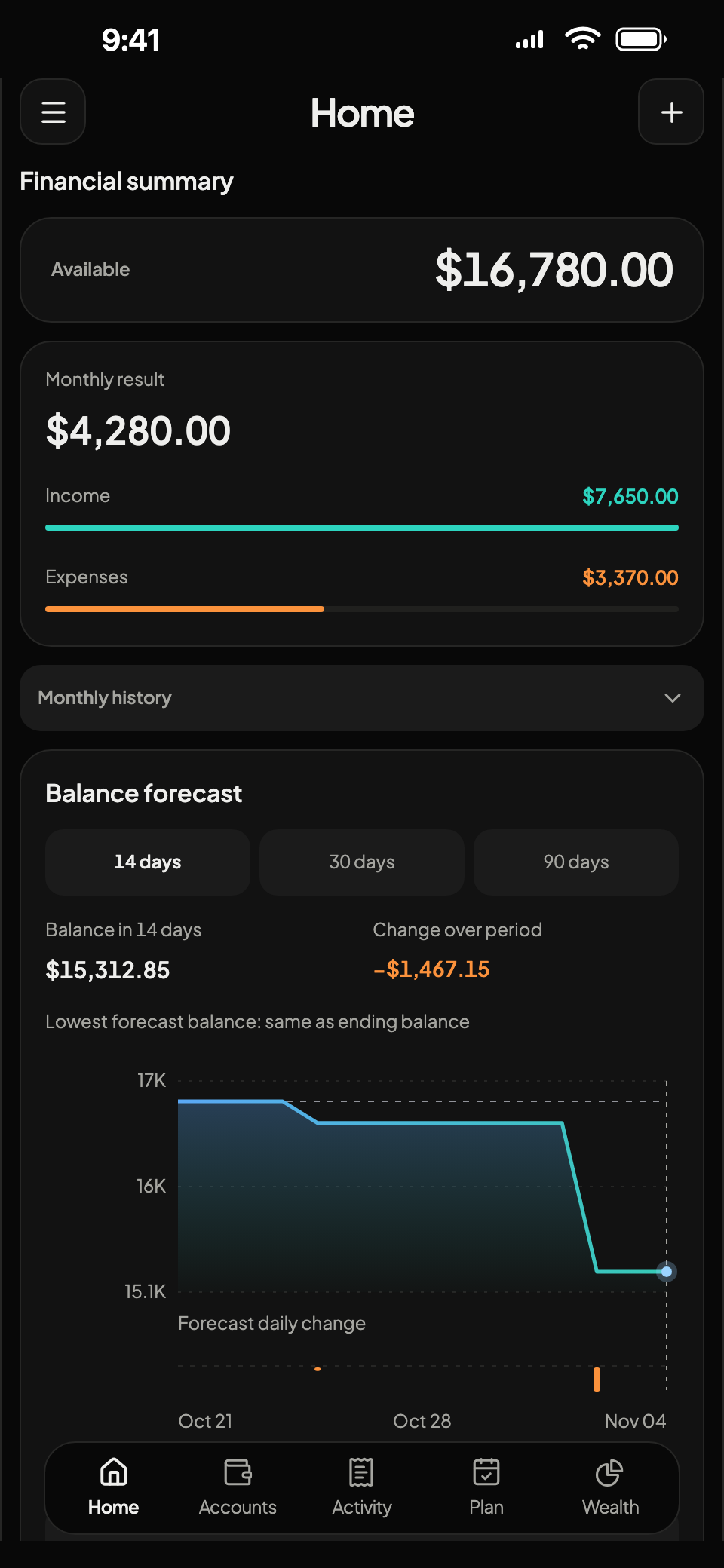
You can install the web app on your home screen while store distribution is being finalized.
Sign in through your phone browser using the same protected account.
Use your browser sharing or installation menu to add the DYNX24 icon.
Return to the same balances, calendar, goals, and family space.
DYNX24 uses secure authentication and account-level access policies. Supported bank connections are read-only.